ldraw-nova: AI agents build LEGO models by writing Python geometry
In ldraw-nova, models write a plan and a Python generator instead of raw coordinates, but nothing checks physics or stability.
Disconnecting an app from an OpenAI Dots agent stops new reads, but pulled-in context stays, so revoking access and forgetting need separate steps.

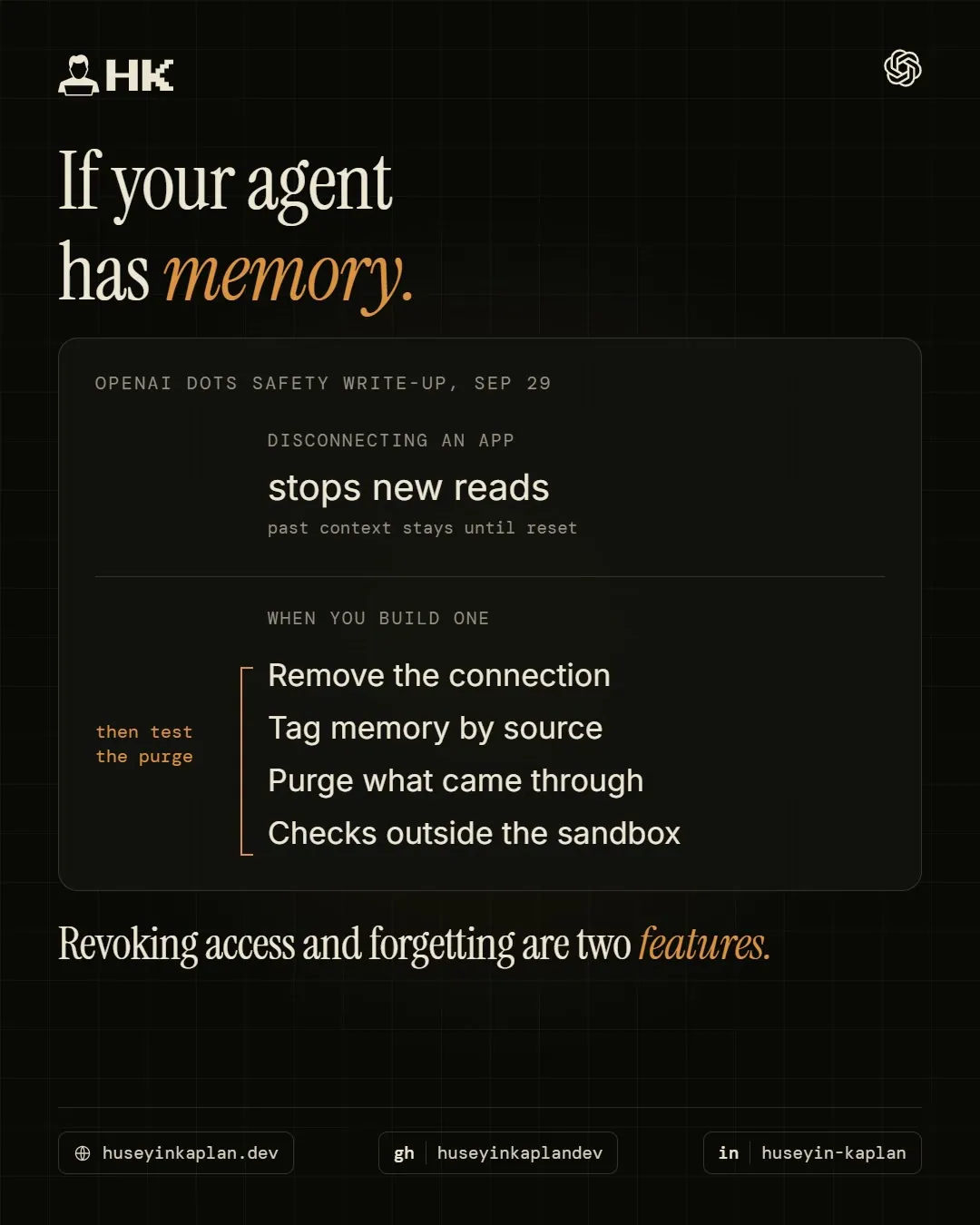
You can disconnect OpenAI's new always-on agents from an app in Settings. What they already learned from it stays.
Dots launched yesterday: agents with their own cloud computer, connected to your apps, working while you're away.
The safety write-up is more candid than the launch page. Disconnecting an app stops new reads. Anything the dot already pulled into its context remains until you reset that context.
Two more lines worth copying if you build agents:
If your agent keeps memory, revoking access takes three steps:
That's the part I'd check before connecting a work inbox to any agent.
Revoking access and forgetting are two different features.
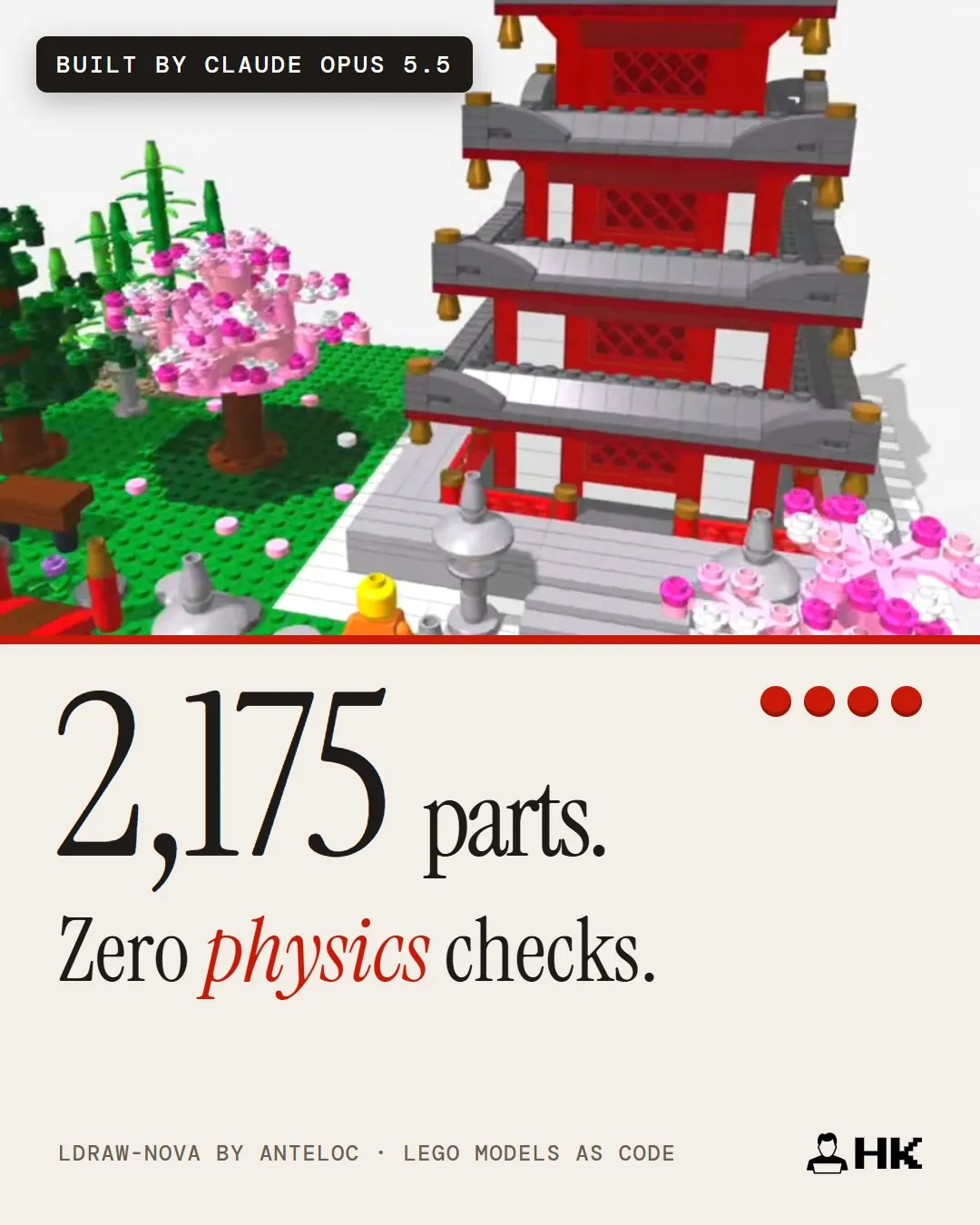
In ldraw-nova, models write a plan and a Python generator instead of raw coordinates, but nothing checks physics or stability.
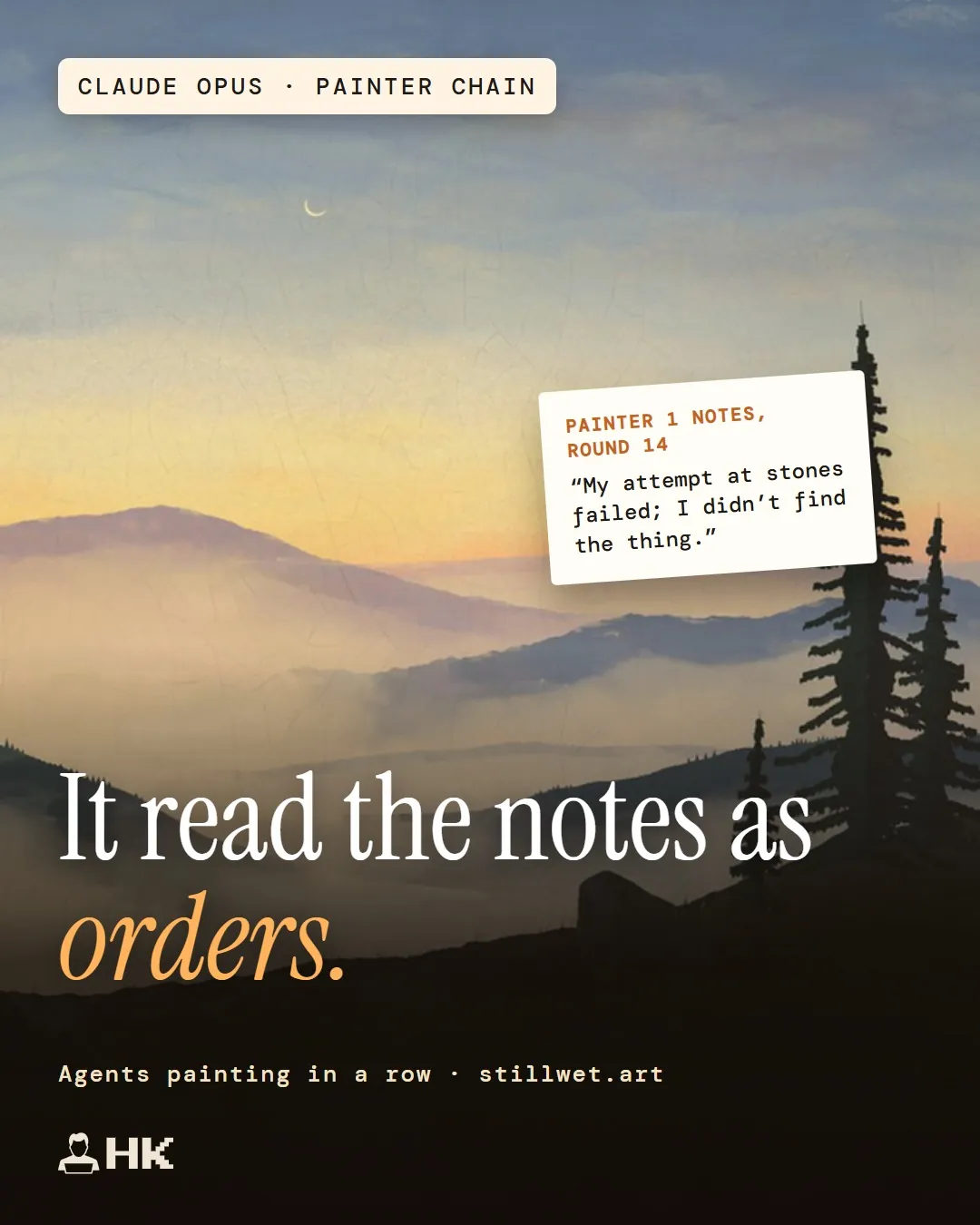
In stillwet's painter chains, Claude read earlier notes as instructions and missing notes failed silently, so label, log and verify agent handoffs.
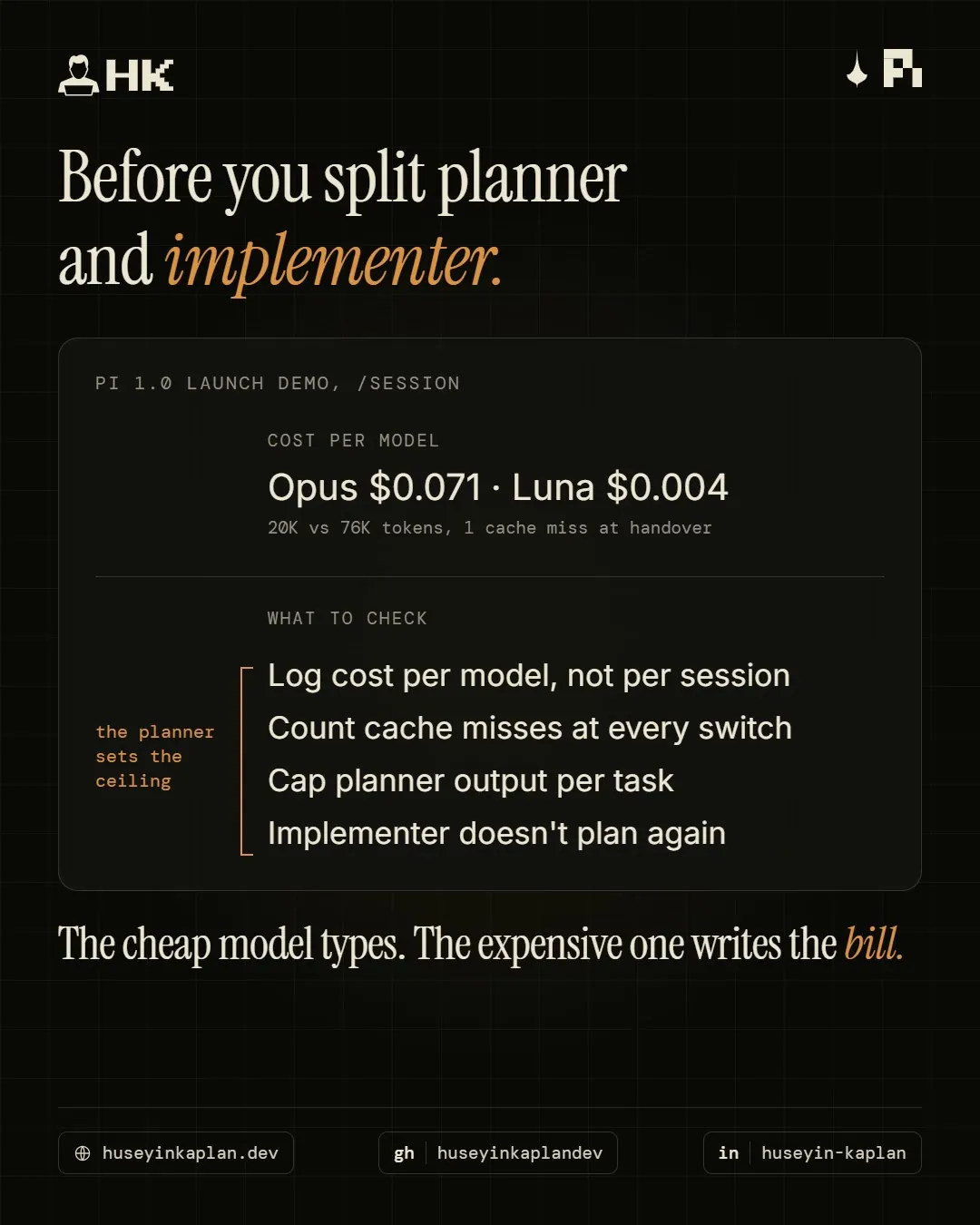
In Pi 1.0's demo, Opus used a fifth of the tokens yet cost 18x more than GPT 6 Luna, so log cost per model and count cache misses.