A dry-run CLI that rolled search out to 271 brands
How a TypeScript CLI installed a new search on 271 of 272 brands: dry-run by default, status classes, backups, read-back vs independent verify, rollback.
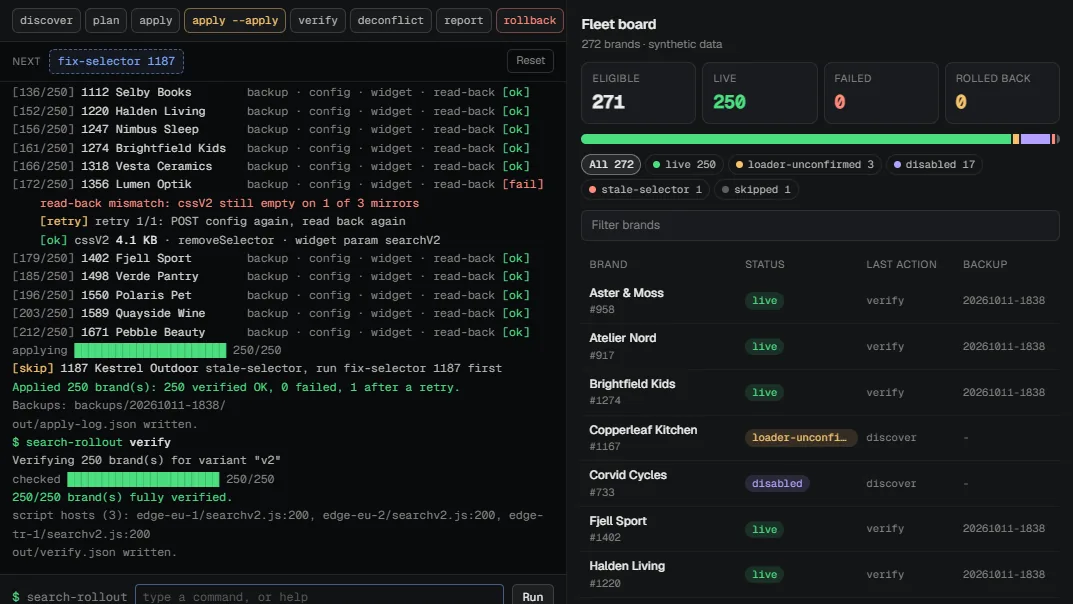
Search V2 was done. It worked on the brands I'd tested it on by hand. Then came the next question: how do we get it onto every eligible brand without breaking anyone's live store?
Doing it by hand meant opening the panel for each brand, pasting CSS, creating a widget, saving, checking the site. A few hundred times. Every one of those is a chance to overwrite something a colleague had set up for that brand.
So I wrote a CLI instead. It ended up installing search on 271 of 272 brands at Revotas, and it never touched a brand's own website.
What made it awkward
The install path already existed. Every storefront runs a widget loader that pulls its widget list from the panel. Register a widget and write the search config, and the loader picks it up on the next page view.
The catch was everything around that path:
- Every brand was different. Some configs were switched off. Some search indexes returned zero products. Some input selectors no longer matched anything on the live site.
- The old search and the new one read the same status flag.
- I didn't own the backend. The tool could only use panel endpoints that already existed.
It's plain TypeScript on Node 22.6+, which runs .ts files directly. No build step, and no runtime dependencies.
Seven commands, and the default is "do nothing"
The flow is discover, plan, apply, verify, plus deconflict, report and rollback for the edges.
discover walks every customer id, reads each brand's search config, runs a test query and lists the installed widgets. plan writes a diff to a JSON file and sends nothing to production.
And apply without a flag is still a dry run. It prints what it would do and stops. Real writes need --apply, narrowed with --limit=5 or --ids=.... So the pilot ran on a handful of brands first.
I made the safe path the lazy path on purpose. If I'm tired and hit the up arrow twice, the worst case should be a printout.
Status classes instead of yes/no
A brand that can't be installed needs a reason next to it. "Not ready" doesn't say what to do next. Is it something I can fix, or does the client have to change their site?
So discover puts every brand in one class. The main ones:
| Status | Meaning |
|---|---|
ready |
Can be installed |
stale-selector |
The search input selector doesn't match the live site |
loader-unconfirmed |
Widgets exist, but the loader isn't in the server HTML (maybe a tag manager) |
search-empty |
The search endpoint returns no products |
disabled |
The config is switched off |
Only ready goes into the plan by default. Everything else needs --include= or explicit ids.
Two details took a while. An empty widget list usually means no widget has been installed yet, which says little about the loader. So there's a --probe-sites option that fetches the brand's home page and looks for the loader. It only sees server-rendered HTML, so a brand that loads it through a tag manager stays loader-unconfirmed. I'd rather have that than a guess.
The second: the classifier ignores widgets this tool created. Without that rule, every brand would look reachable after the rollout, because the tool's own widget would count as evidence.
Never overwrite a brand's own work
The save endpoints replace the full object, so every write is read, merge, then post the whole thing back. Then a few rules I didn't want to leave to judgment:
- The new search CSS field gets the default preset only if it's empty. Existing brand CSS is never overwritten.
- The old search's CSS is never touched. It keeps working exactly as before.
- The "remove these elements" list keeps every existing entry; the tool appends the old search container to the end.
- The tool's widget is upserted by name, so running
applytwice updates the same widget.
Before any write, apply saves the raw config and widget list for that brand into a timestamped backup folder. rollback --from=<timestamp> --confirm restores the config byte for byte from there. One honest limit: a widget can't be deleted through the API the tool uses. If the widget didn't exist before the run, rollback disables it instead. It stays listed, switched off.
One flag, two products
The new search only mounts when the brand's config status is on. The obvious fix for a disabled brand is to flip that status. But the old search checks the same flag. On brands where the old loader runs on every page with no condition, turning the flag on for the new search would also switch the old search back on for every visitor.
So apply skips those brands by default and prints their ids. Two separate flags change that: --enable-disabled to switch a config on at all, and --allow-v1-exposure to include brands where that would show the old search to shoppers. A brand whose old loader only fires behind a URL parameter carries no risk and goes through.
A disabled brand never gets switched on silently. Somebody switched it off for a reason, and I usually didn't know the reason.
Read-back proves the write. Verify proves the site.
Each apply saves the config and the widget to three targets, waits, then reads both back: CSS present, widget enabled with the right URL parameter, config status unchanged. The read-back is the source of truth. Some targets reject a write that the others accept, and the HTTP status alone won't tell you that.
But a read-back only proves the data landed, which says nothing about whether a shopper sees search. So verify is a separate command you can rerun any time. It checks the config and widget again, sends a HEAD request to the host that serves the search script, and runs a real query to confirm products still come back. That host check paid off early. The tool derives each brand's script subdomain from its existing widgets, and one subdomain copied from an old widget didn't exist in DNS. The plan had already fallen back to the shared host there, but verify is how I knew.
report turns it all into one HTML file with filters, CSV export and a test link per brand.
The pilot trap
One pilot brand came back empty on the first try. Config correct, widget enabled, script served. Nothing on the page.
The loader caches the widget list in sessionStorage for the whole session. The test link was opened in a tab that already had a session on that site, so the loader used the list from before the install. Cleared the storage, reloaded, search appeared.
The rollout was fine. But anyone I sent a test link to would hit the same thing, so the README now says to open test links in a new tab, and why.
Old widgets that fight the new one
Some brands ran their own copy of the old search widget on every page. On the demo link, that widget loaded the old panel, the new search loaded too, and both bound to the same input. The visitor saw the old panel.
deconflict adds one condition to those widgets: page URL does not include the demo parameter. Normal visitors never have that parameter in the URL, so for them nothing changes. It ran on 17 brands.
That rule is a plain substring match, so no variant parameter is allowed to be a substring of another. Otherwise one variant's link would trigger another. A new variant is one row in a JSON file plus a CSS preset.
What I'd do differently
I'd put the session-cache warning next to every test link in the report, where people actually look. The README is the last place anyone reads.
And I'd ask for a delete endpoint for widgets early. Disabling on rollback works, but it leaves clutter in the brand's widget list that a person has to explain later.
271 brands live, one left out on purpose, and no brand site edited by hand. Most of the work was deciding what the tool must refuse to do.
Try the interactive demo. It runs the same commands against an invented fleet. More of my work is on the Revotas page.
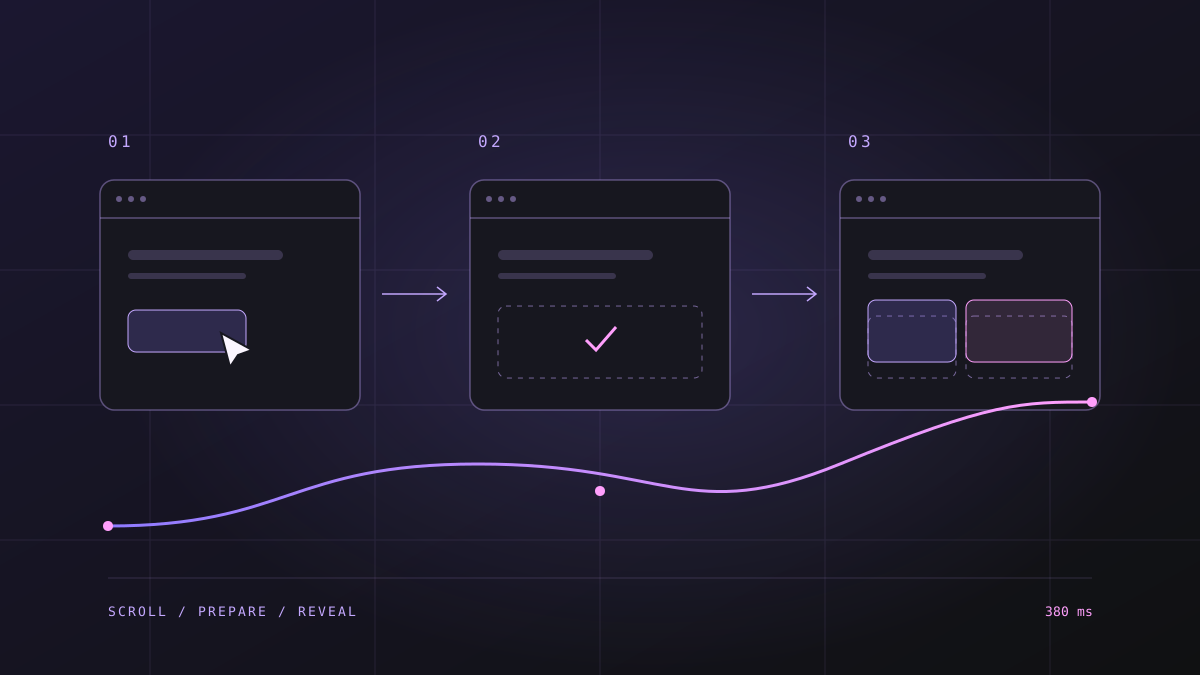
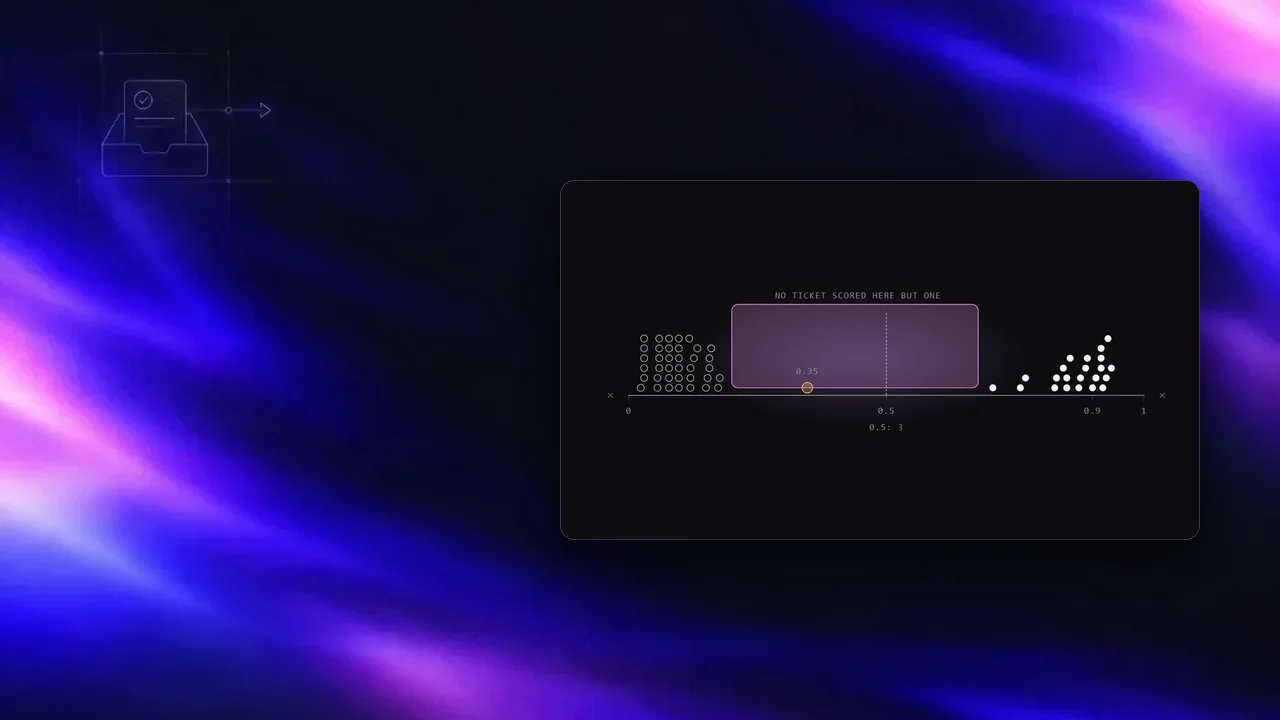
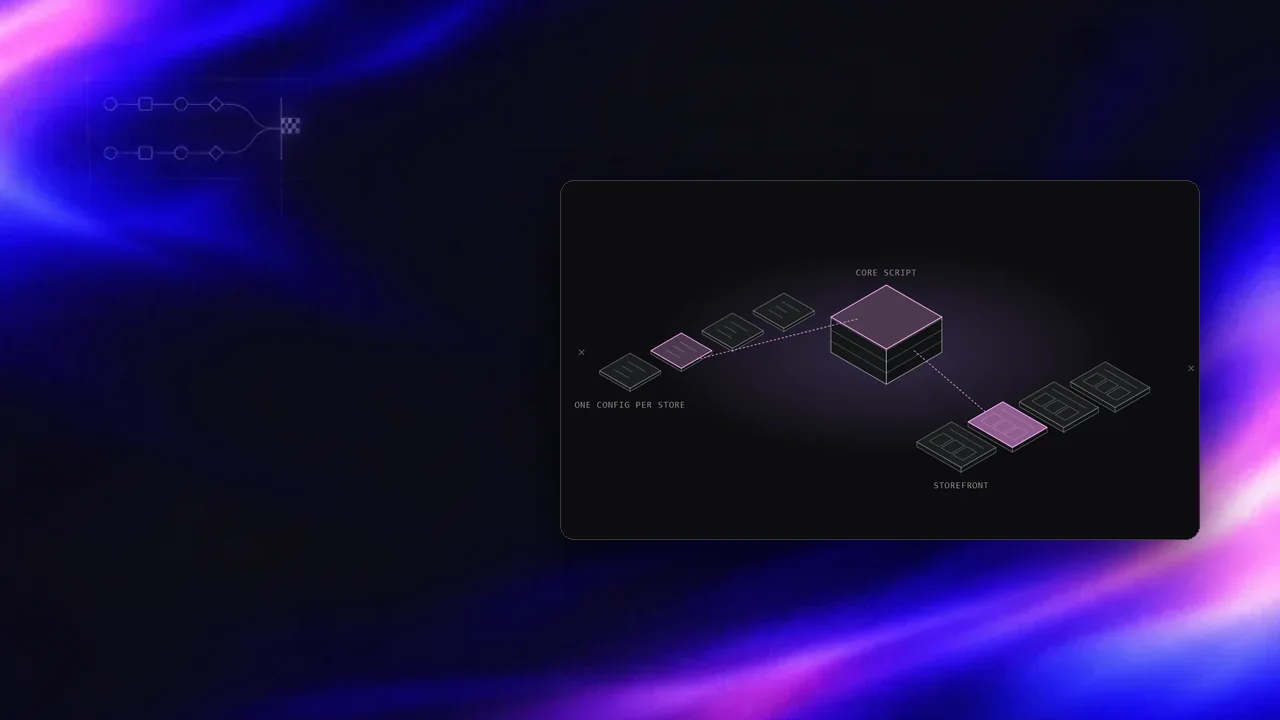
Notes on this post
Join in
Loading…
Leave a comment.
Sign in to add your note to this post.
Only your name and avatar are used.