Smooth, without the wait
How I added smooth scrolling and animated page changes to this static site: Lenis, native browser transitions, early preparation, and a test with 30 images still loading.
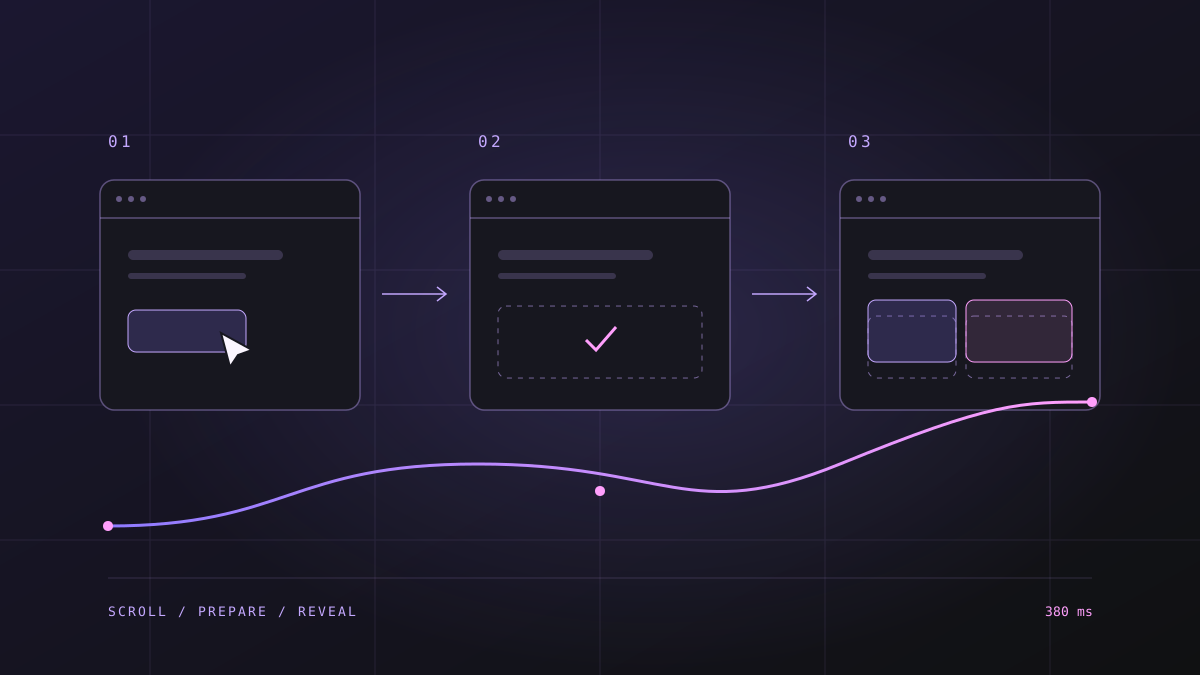
I do not want a link to make me wait for the screen to fade, then for an exit animation to finish, and only then for the next page to open. The motion can look good. The extra half-second still belongs to the wait.
When updating this site, I wanted two changes: softer scrolling and less abrupt movement between pages. Hyper Effekt, an agency site published with Framer, was the reference. Before copying a look, I wanted to understand which parts produced the feeling.
Separate the behaviors first
Scrolling and navigation are different problems. One changes the position inside the current page. The other retrieves and displays another document. I did not expect one animation library to solve both.
The reference's HTML contains a Made in Framer marker, a Framer generator tag, and assets served through Framer. That matters technically: its motion runs within the components and animation settings Framer publishes. My site consists of separate HTML documents produced by a build script. Reproducing the feeling does not require adopting the same platform.
Using Framer does not, by itself, establish that the site was built from a stock template. I could not verify a specific template name, so the reference is credited to the Hyper Effekt website and its Framer platform rather than an unconfirmed template.
A Home-to-About navigation also produced a new main-document request. The goal was to bring the scrolling feel and content entrances to the existing static architecture, rather than copy the reference's entire stack. I am not claiming an exact match for all its motion settings.
A little room to follow the wheel
Lenis lets this site's scroll position approach a wheel input's target more gradually. These are the core settings I used:
new Lenis({
  autoRaf: true,
  lerp: 0.1,
  smoothWheel: true,
  syncTouch: false,
  anchors: true,
  allowNestedScroll: true,
});
lerp controls how the position closes the distance to its target. The 0.1 here is my own choice for this site. In one local browser check, a 600-pixel wheel input reached its target through 50 intermediate scroll events. That is not an FPS benchmark or a performance guarantee across devices. It confirms that the movement did not happen as one jump.
I enable Lenis only for desktop-style fine pointers with hover. Touch scrolling stays native. If the visitor requests reduced motion, Lenis does not start; changing that preference while the page is open destroys the running instance.
The command drawer also sets a boundary. Opening it stops momentum and holds the background in place. Closing it resumes scrolling. A smoother page should still stay put behind the panel someone is using.
Let the browser change documents
This site still consists of separate HTML documents. View Transitions connects their visual changes in browsers that support cross-document transitions.
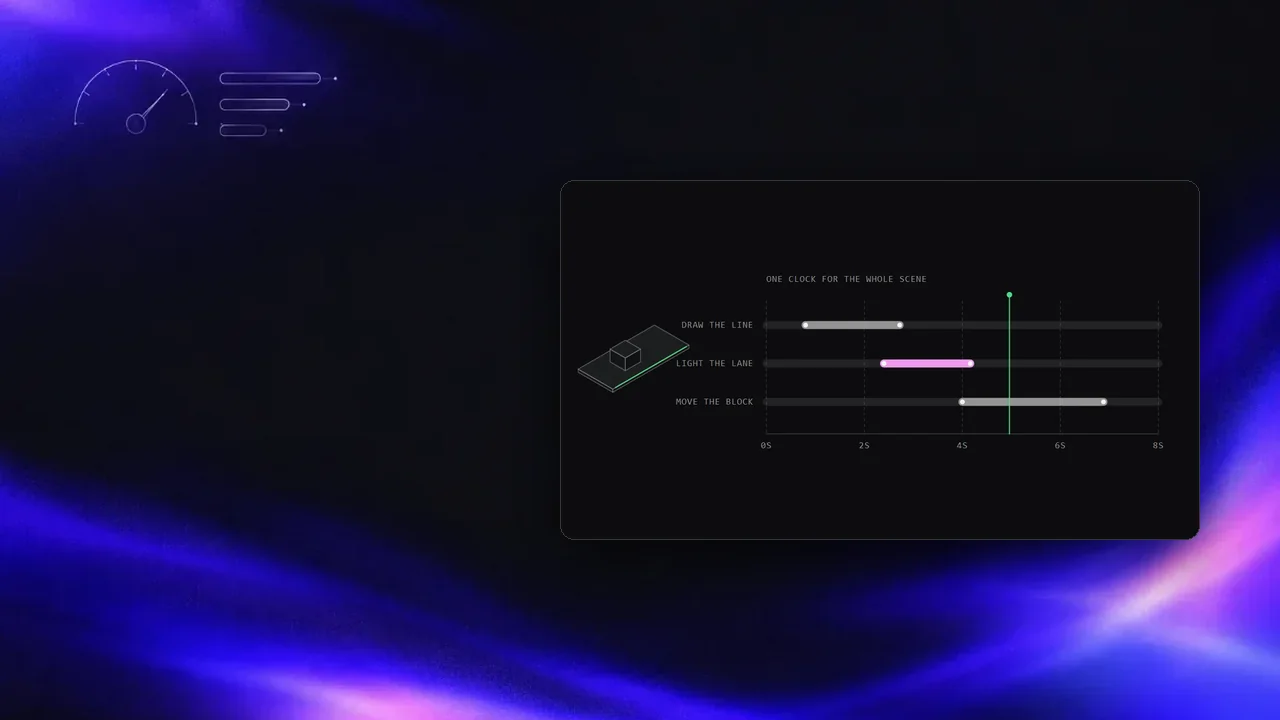
Here, the old page snapshot fades over 180 milliseconds. The incoming page settles over 380 milliseconds with a small, 16-pixel rise. The top navigation has its own snapshot so it stays visually steady.
The timing decision matters more than the easing curve: clicking a link does not ask JavaScript to pause navigation until an exit animation finishes. The ordinary link starts its job immediately. Back navigation, opening a new tab, and each page's scripts remain part of normal document navigation.
The first paint starts with readable content too. I shortened the word animation that had kept parts of the headline at zero opacity. Motion should not become permission to see the page.
Glass to clear in 140 milliseconds
I also added a brief focusing effect. The incoming page begins slightly blurred, as if seen through a thin layer of glass, then resolves over 140 milliseconds. That is roughly 0.14 seconds: a short change of focus at the entrance.
The blur radius is 3 pixels on desktop and 1.5 pixels on narrow screens. The header stays outside the effect. It suggests the glass behind the navigation, but works differently: a short filter: blur() runs on the incoming captured page image, rather than a live backdrop-filter continuously blurring what sits behind it.
Blur still has a rendering cost. I kept its radius small and its duration brief, without adding another animation library or delaying navigation. Reduced motion disables the effect. These choices do not guarantee the same frame rate on every device.
Recordings from this site
These videos show actual page changes on this site. The first plays at normal speed; the second slows a short excerpt from the same recording to 0.25×. They are silent, have no autoplay, and use preload="none" so the video files are not requested before playback.
Prepare before the click
An animation cannot display a document that has not arrived. The other half of reducing the wait is preparing the destination early.
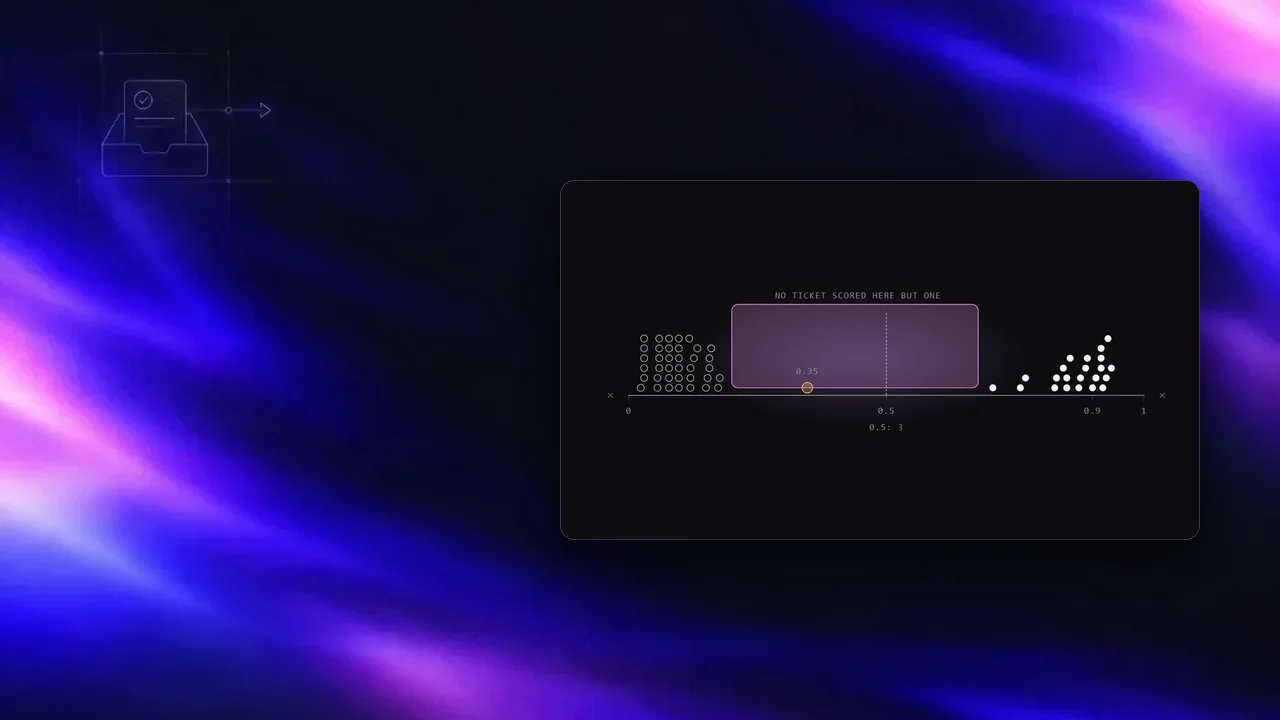
I use two levels of preparation through Speculation Rules. Prefetch hints that the browser should retrieve a destination's HTML. Prerender asks a supporting browser to prepare the destination in the background.
This implementation supplies document prefetch hints for four primary navigation destinations. Hovering an eligible internal link makes its destination a background-preparation candidate. The browser controls scheduling and resources; the implementation does not assume every candidate will be prepared.
Save-Data or a reported 2G connection skips this preparation. External URLs, downloads, API endpoints, and links within the same page are excluded. Browsers without speculation rules receive simpler intent-based prefetch hints, capped at eight destinations, when a link receives pointer interest or keyboard focus.
A prepared page is not yet a visited page. Page-view recording therefore waits for actual activation.
What the test established
In the final check, I delayed image responses by 1,600 milliseconds. The incoming document was interactive, 30 images were still incomplete, and the page transition had started. Opening the page did not wait for every image.
That is a local behavior test, not a comparison based on real visitor performance data. One automation browser disabled prerendering because of its DevTools connection, so I am not claiming a measured prerender speedup there. I verified the native transition separately in an independent Chromium session.
Checks passed for wheel scrolling, drawer locking, back navigation, mobile use, reduced motion, and Save-Data. On a slow network, the existing content stays visible. I cannot promise instant data that has not arrived. What I added is a destination that can be prepared early, and motion that does not put another wait in front of navigation.
Notes on this post
Join in
Loading…
Leave a comment.
Sign in to add your note to this post.
Only your name and avatar are used.